TextPie: SaaS Messaging Platform Design
Client
TextPie
Industries
Product, SaaS
Services
Product Discovery
UX Strategy
UI Design
Timeline
12 months
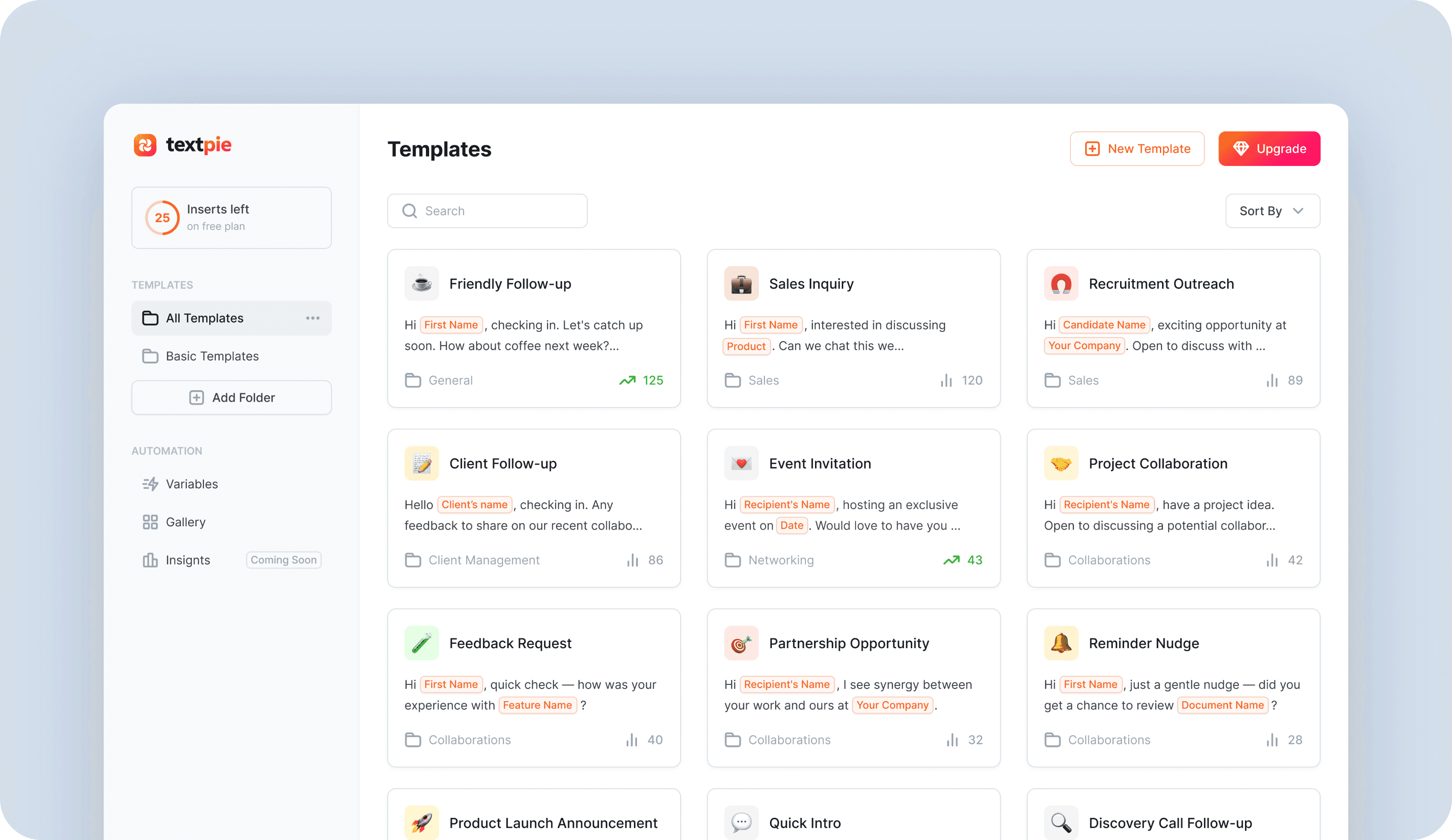
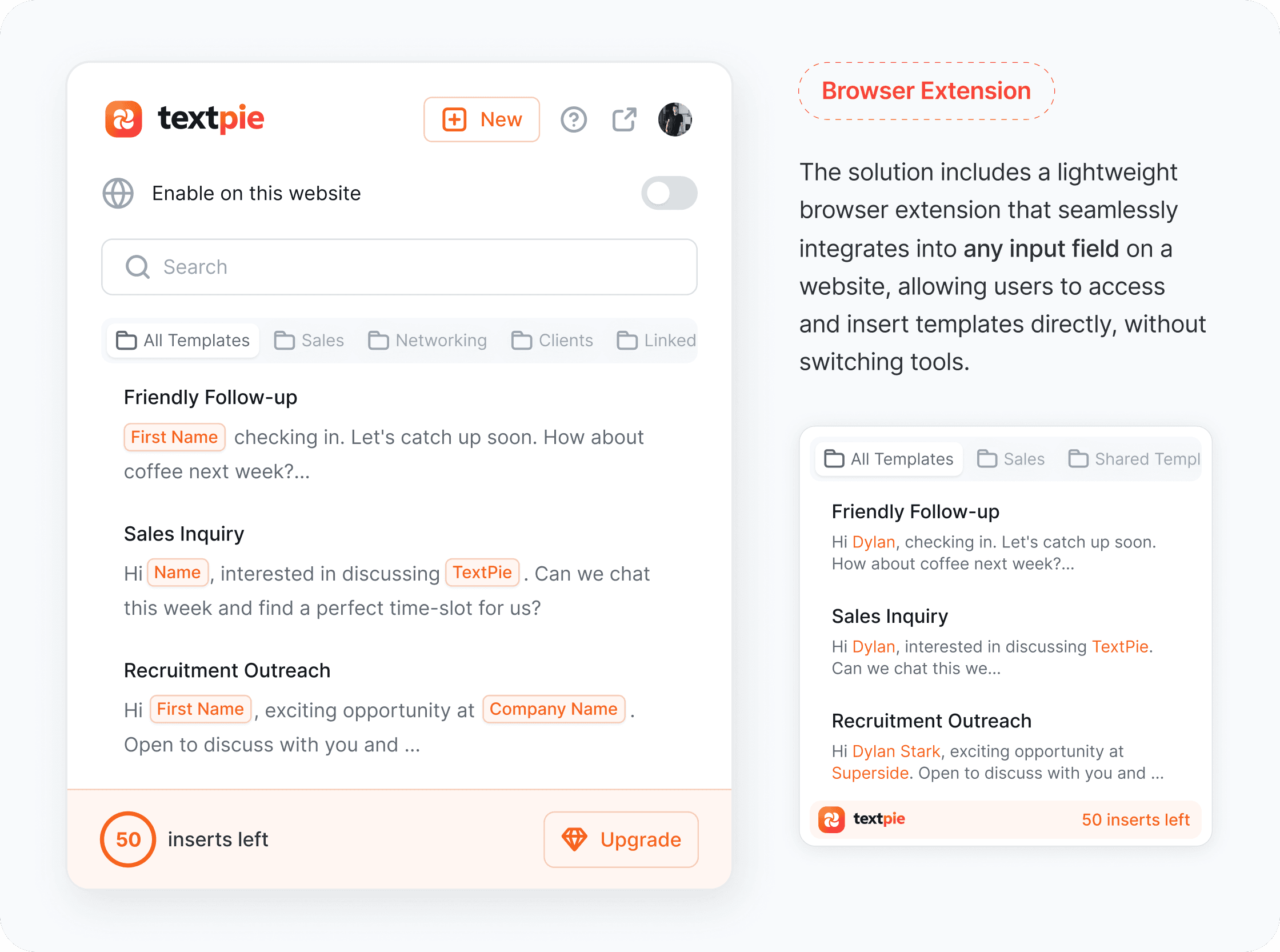
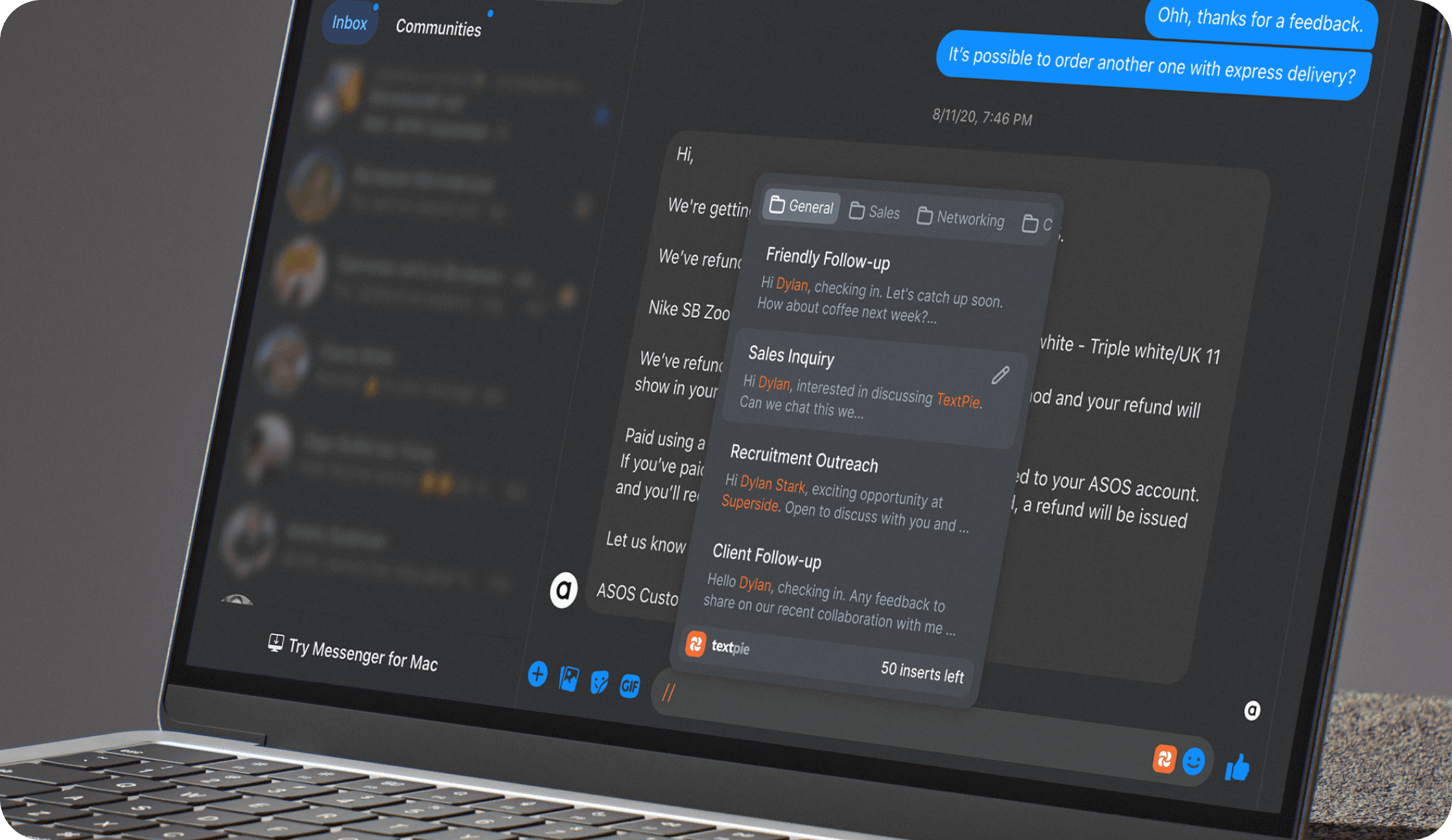
TextPie is a template management tool for sales and recruitment teams. It lets users create reusable message templates with dynamic variables and insert them into any input field on any website, triggered by typing "//", without switching context or copying from another tab.
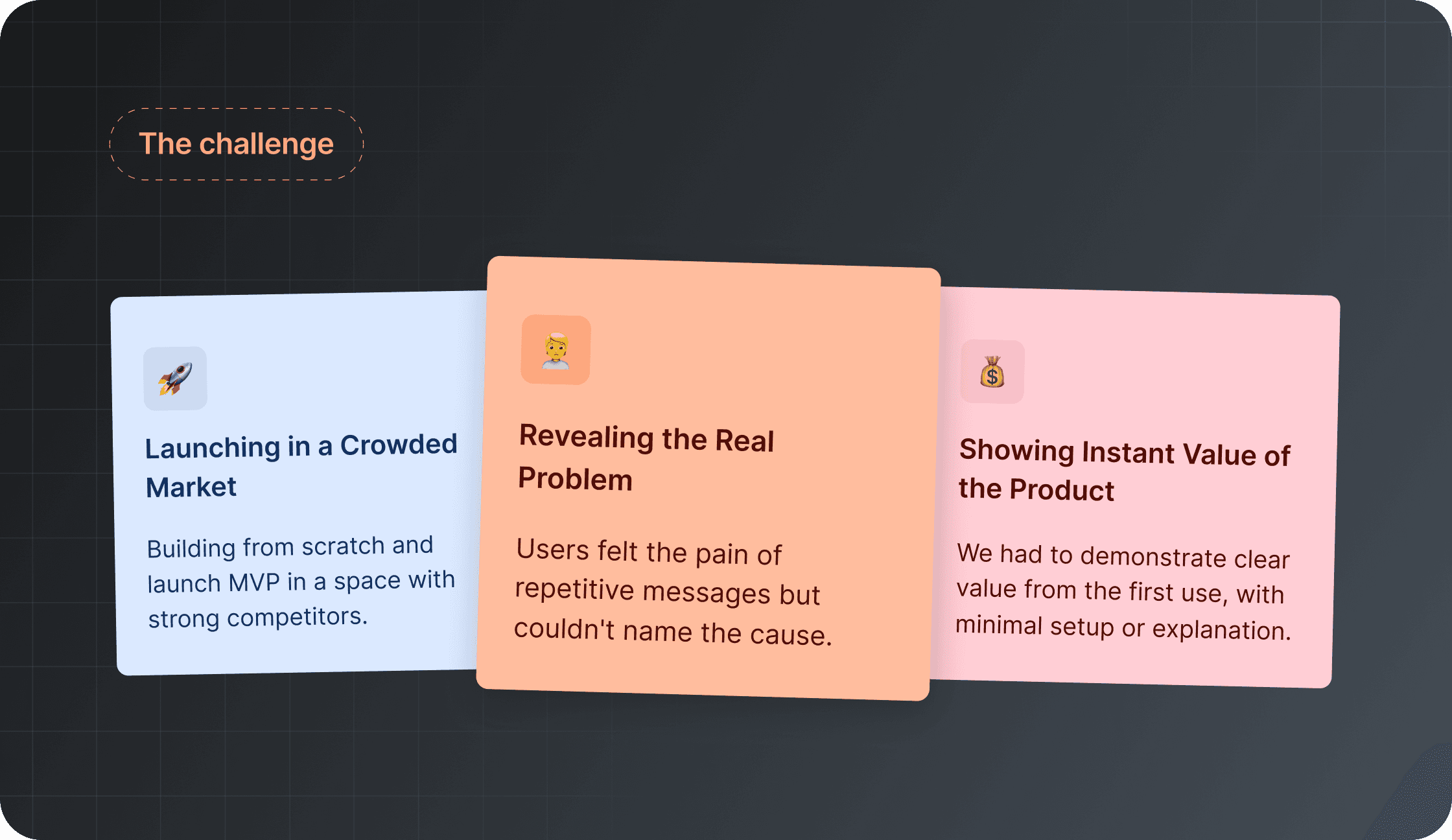
The product entered a crowded market. Text expansion tools existed, but none were built specifically for high-volume outreach workflows. Three problems defined the design challenge from the start.
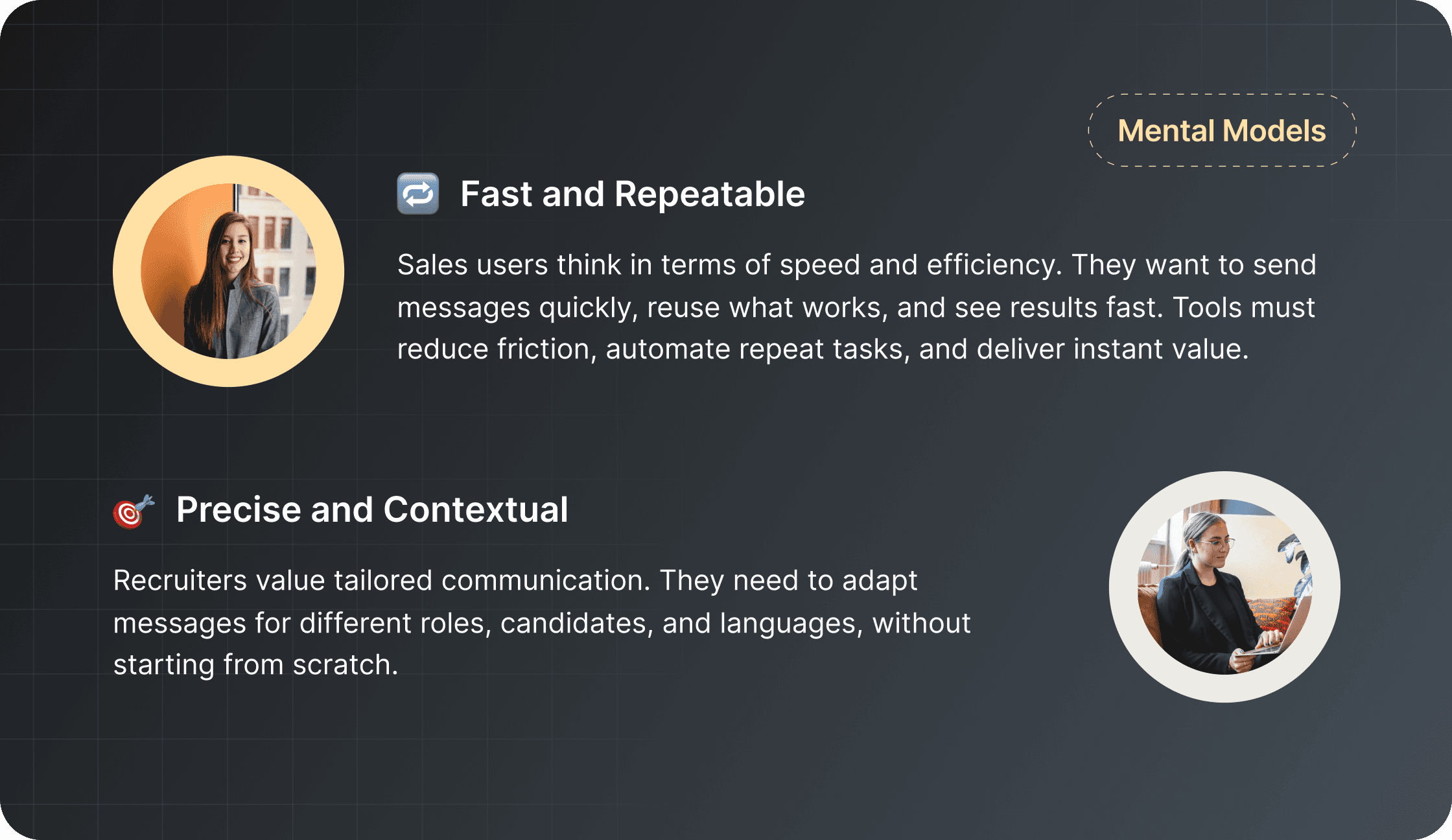
Through qualitative research with sales and recruitment teams, I mapped two distinct mental models that pulled the product in different directions and shaped every design decision that followed.
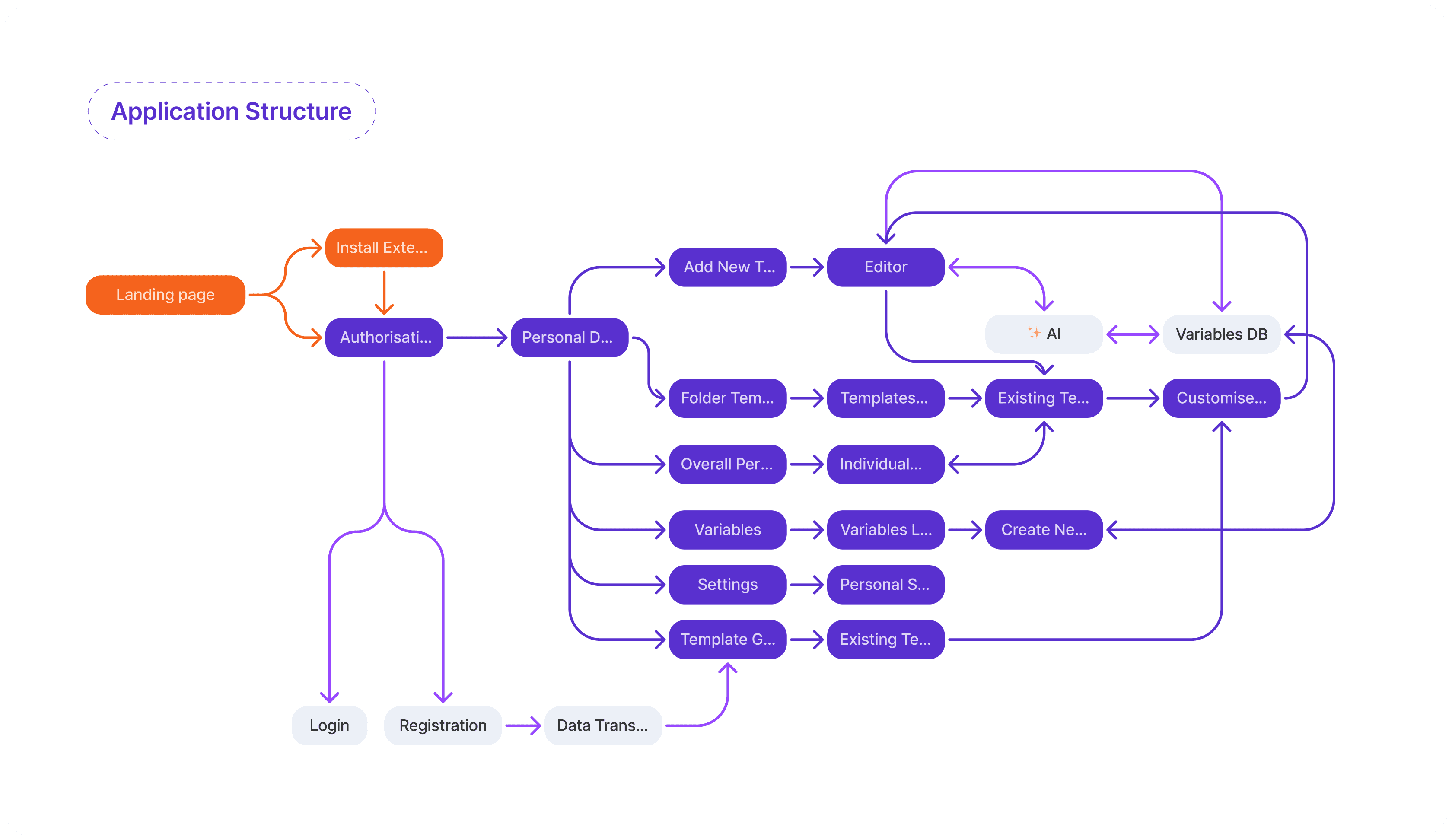
Before moving to design, I mapped the full application structure to clarify scope and identify where the two user journeys, web app and browser extension, needed to connect without friction.
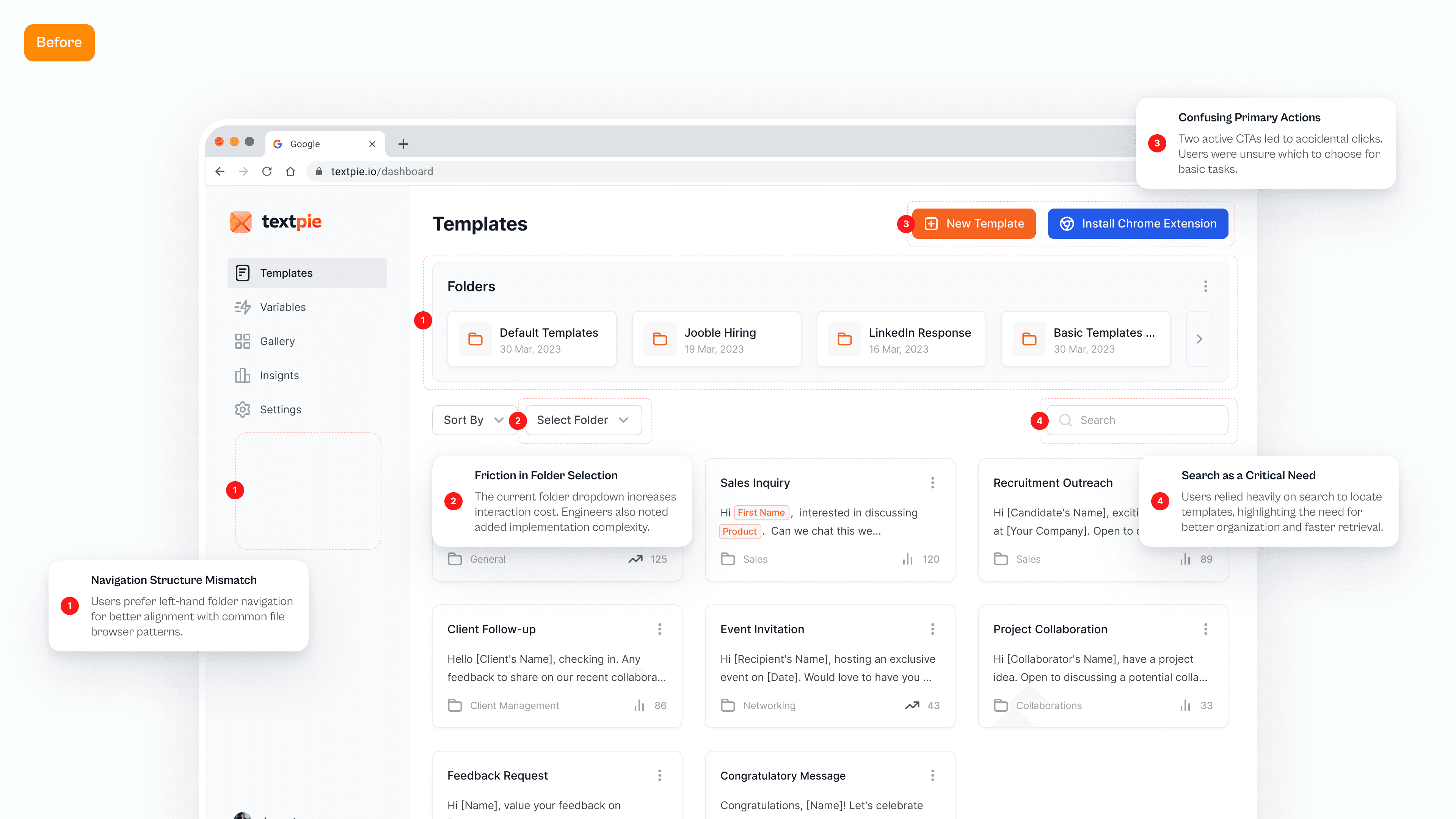
Moderated usability testing on the first dashboard concept revealed four structural problems: navigation didn't match familiar file browser patterns, folder selection increased interaction cost, two competing primary CTAs confused users, and search was critical but buried.
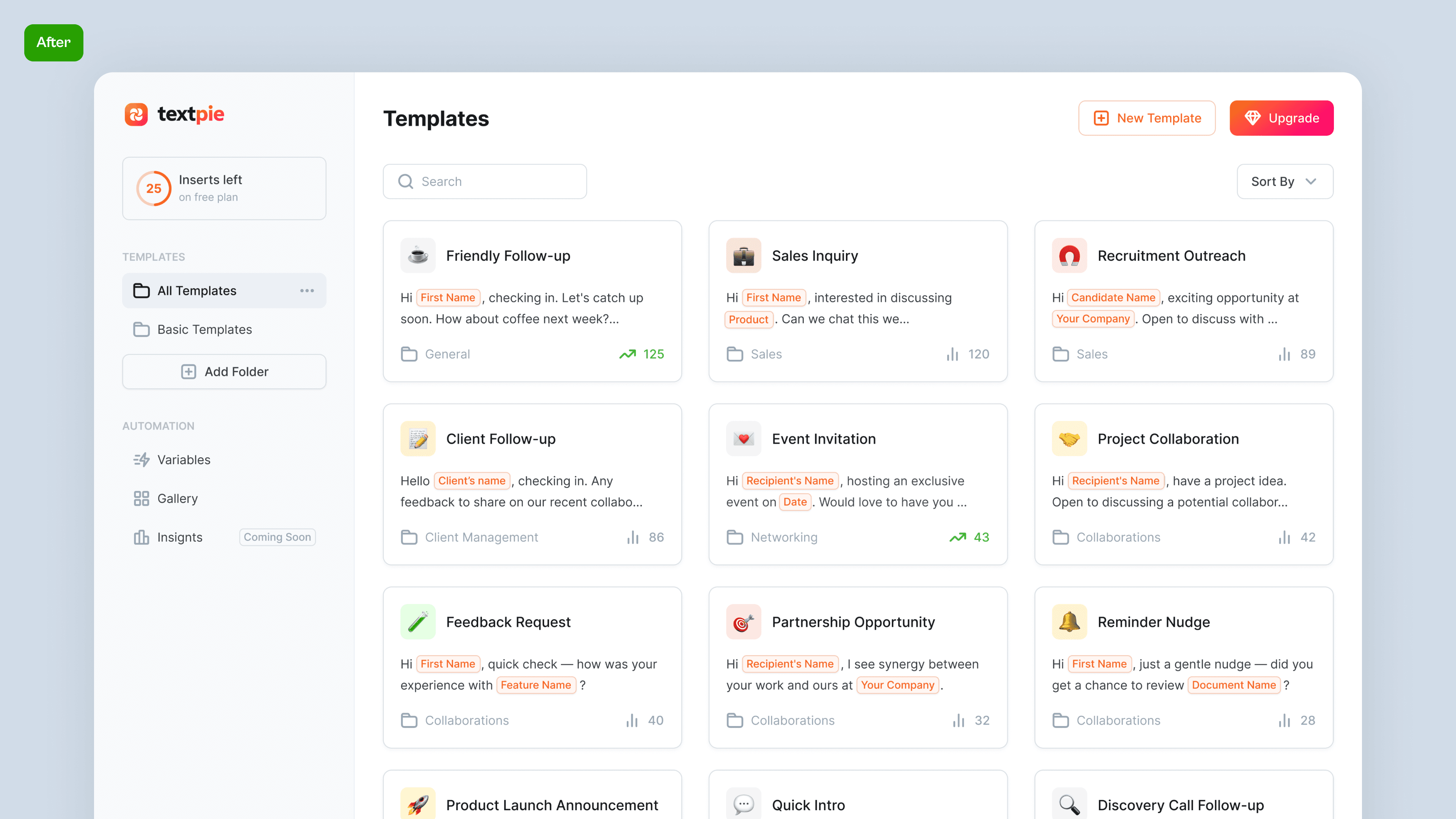
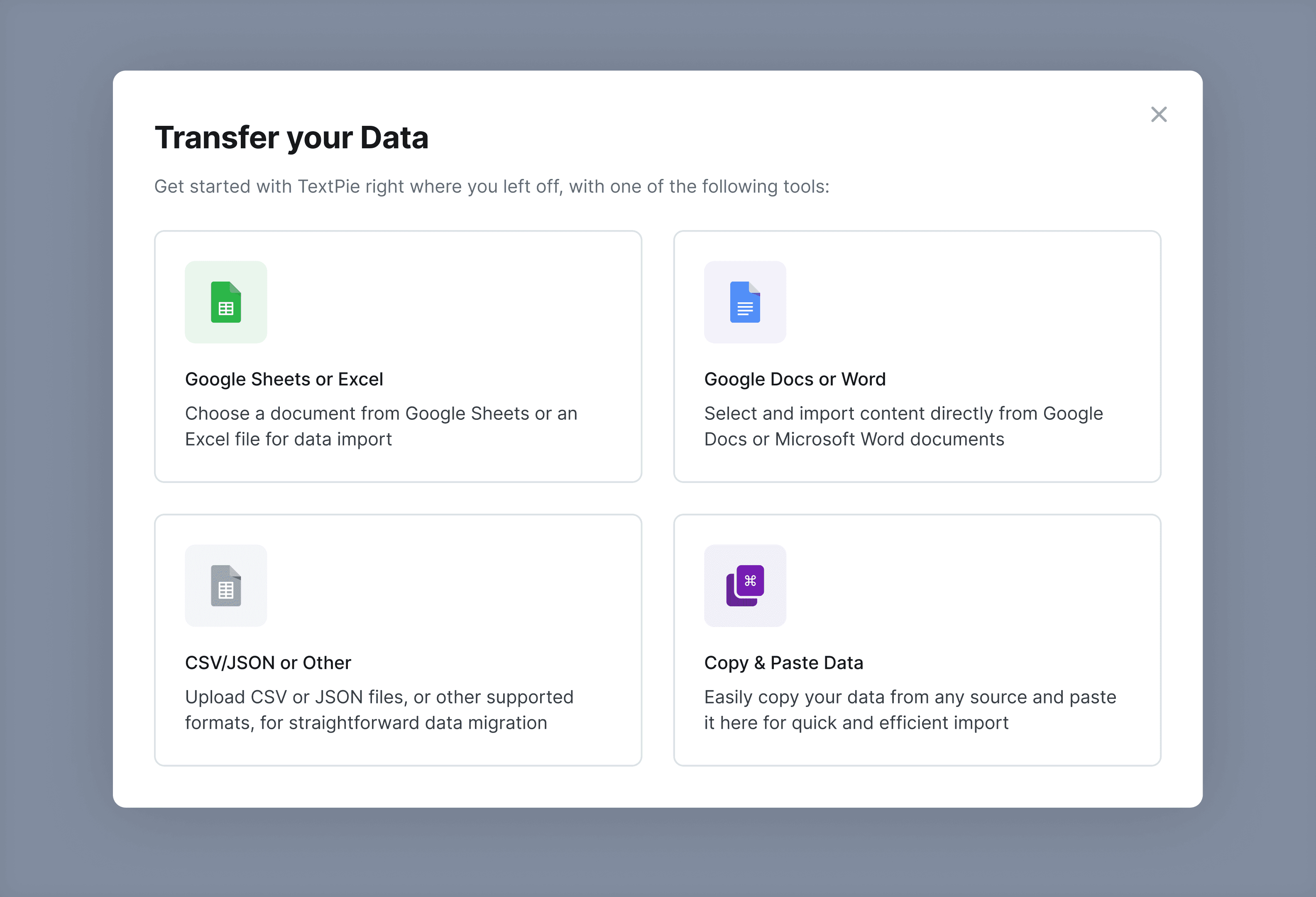
Based on early research, two questions need to be answered before committing to scope: would usability issues block adoption, and how complex would data migration be for users coming from existing tools?
Migration complexity was high. Users had templates spread across Excel, Google Sheets, Notion, and other sources. The decision: postpone import tooling, ship faster, and add migration as a second iteration.
Product Design
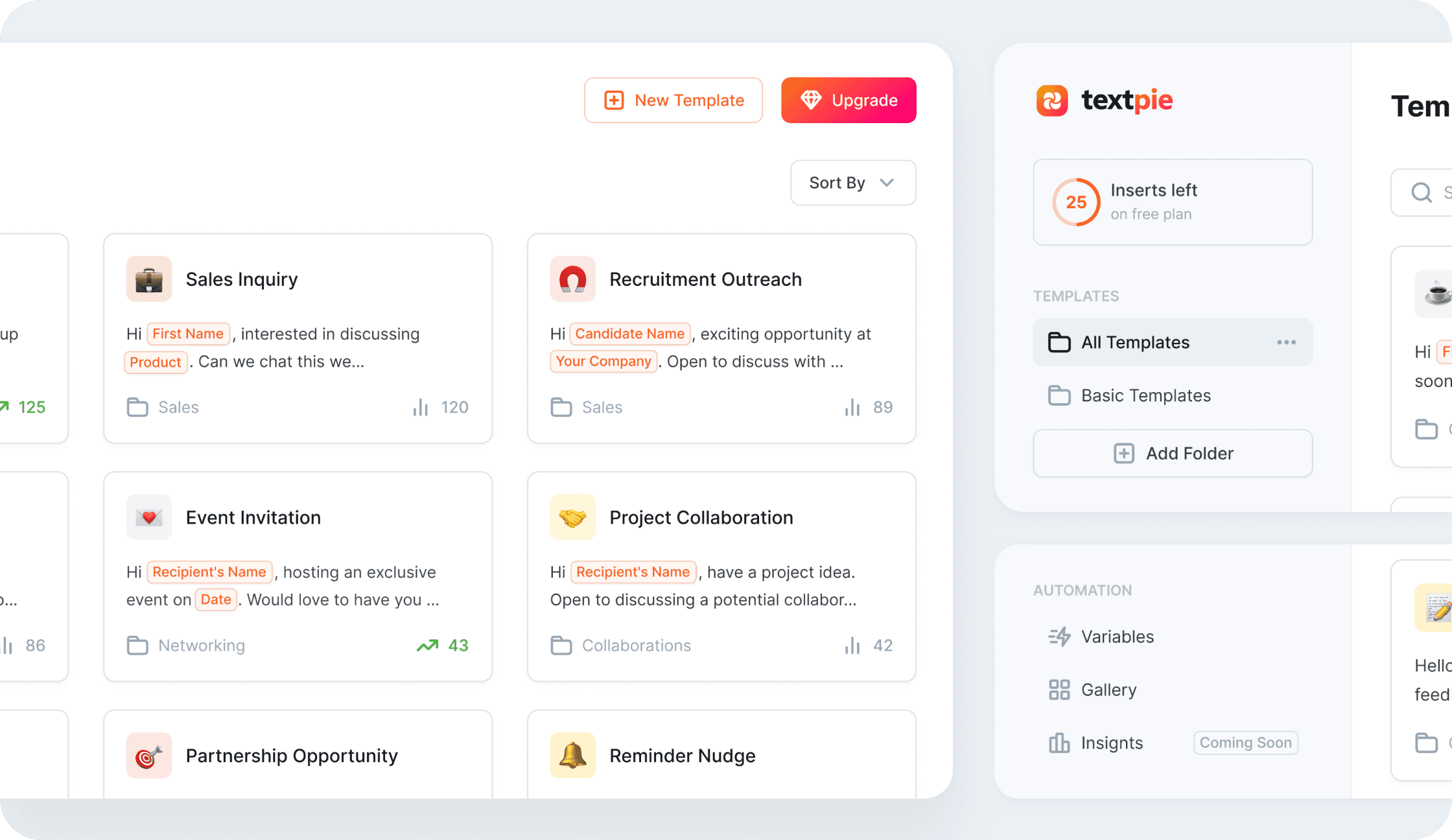
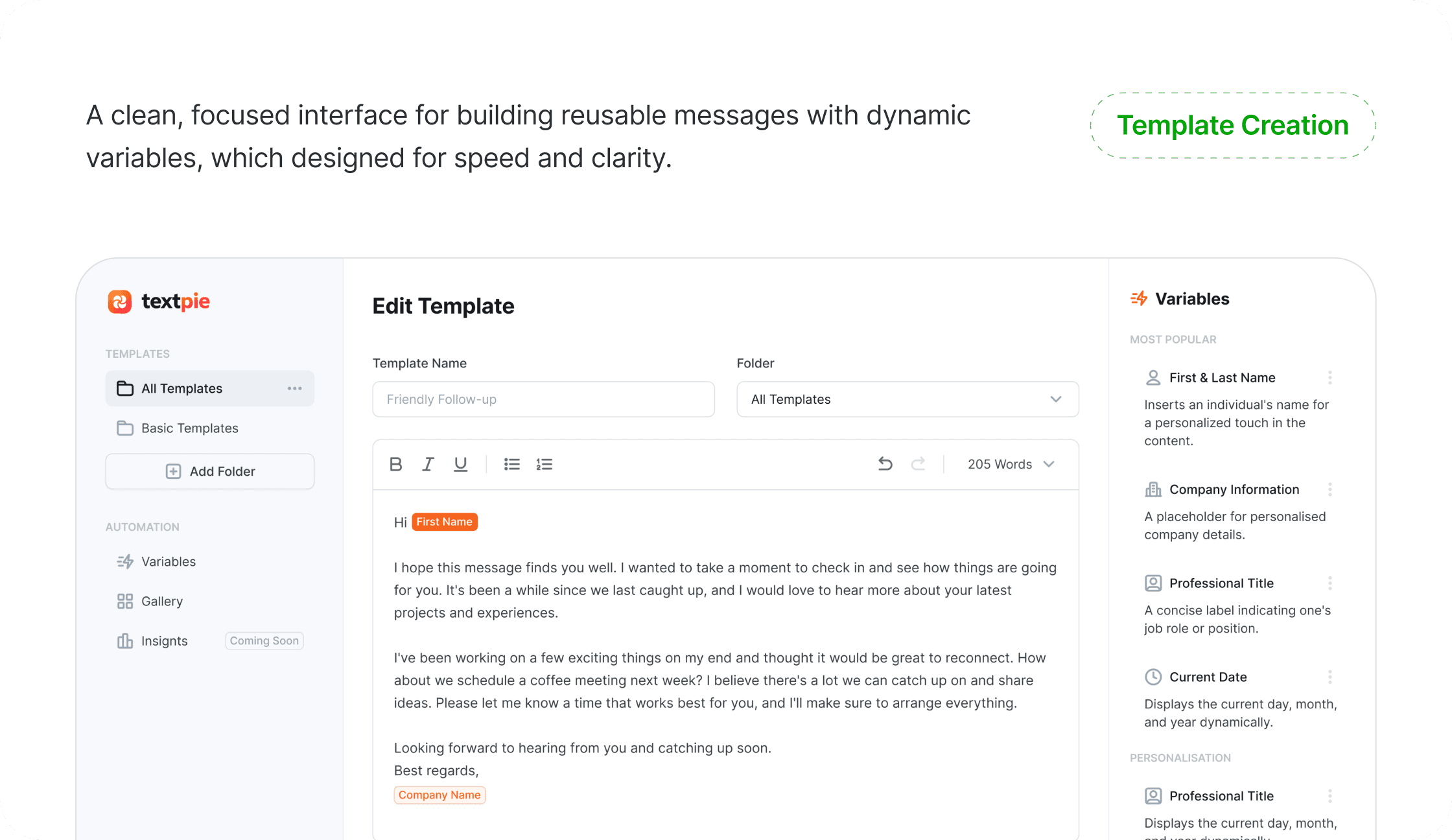
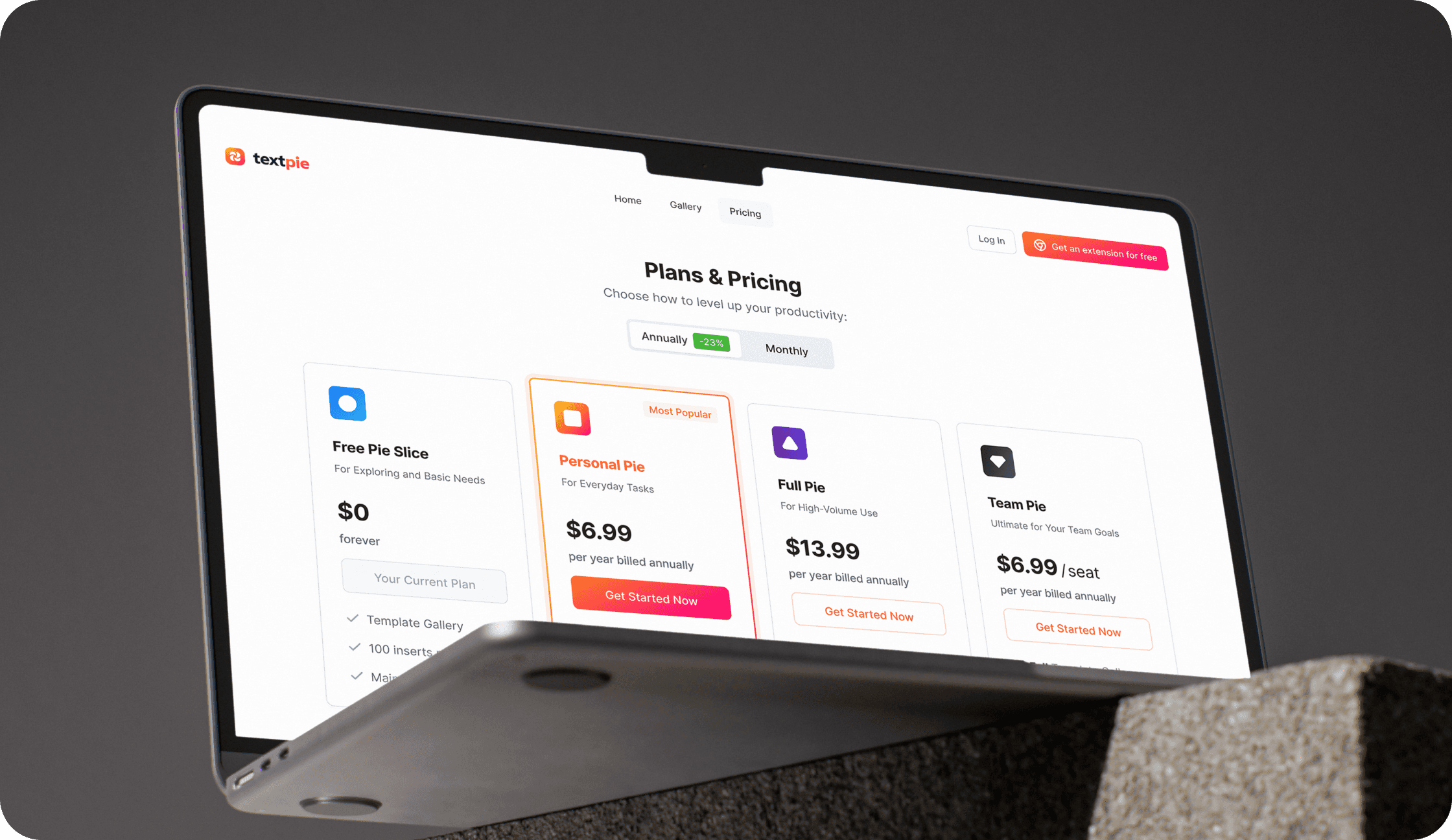
Two connected products designed from zero: a web app for template management and a browser extension for in-context insertion. The system covers template creation with dynamic variables, folder organization, community gallery, usage analytics, data migration, and plans and pricing.
Design solution
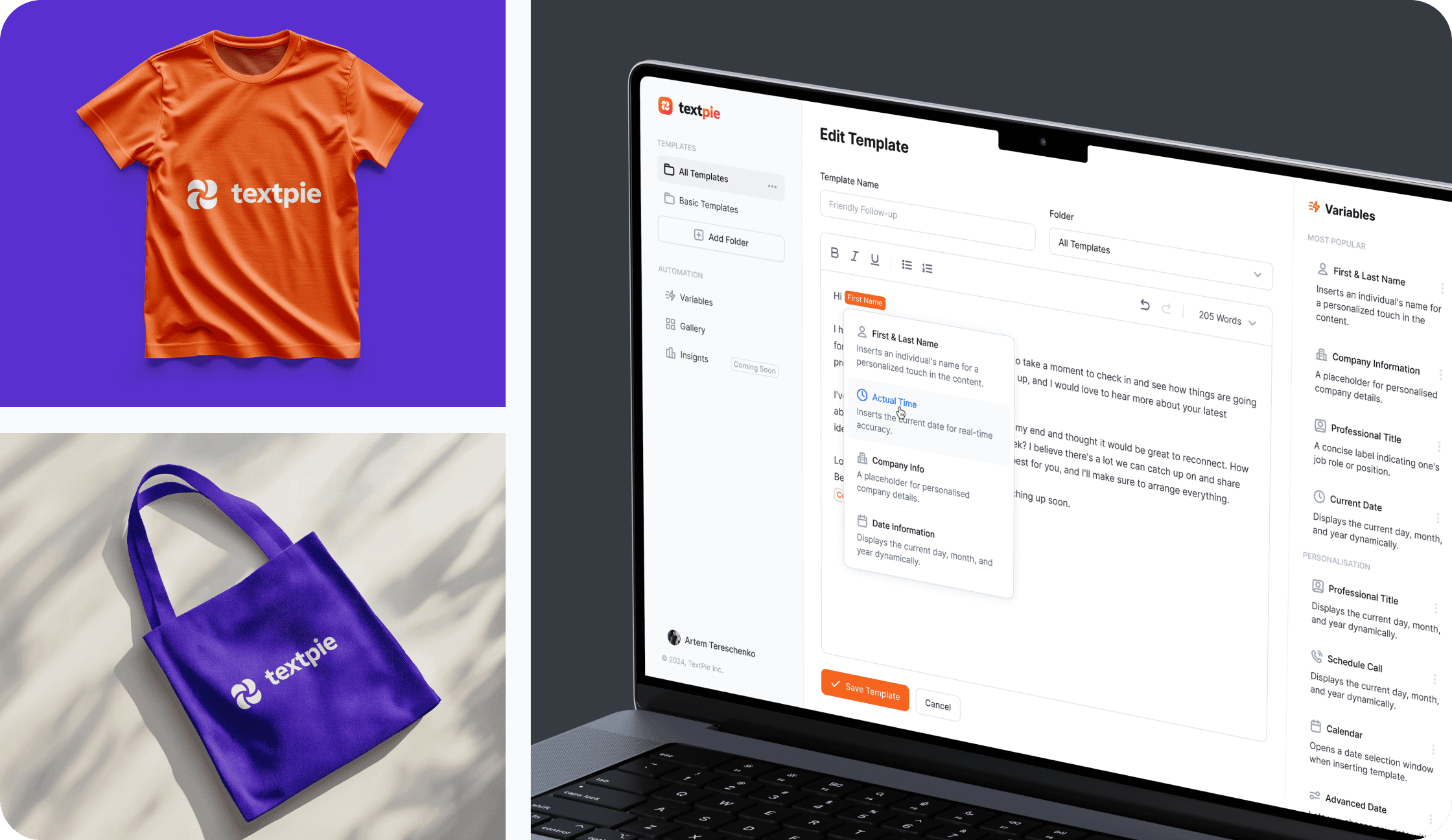
I created the brand from scratch, including the logo and full visual identity. Warm orange-to-red gradient as the primary accent. Variables are displayed as inline colored tags inside message text, making personalization visible without breaking reading flow.

Launch and Iteration
After launch, 65% of users stayed inactive. The root cause was onboarding: users installed the extension but never completed their first insert. A video walkthrough was tested and skipped. A hands-on interactive experience worked. Two A/B testing rounds reduced inactivity by 15%. Customers was prompted to send their first LinkedIn connection.
50% activation rate
After iterating on onboarding post-MVP launch, I reshaped the first-run experience to demonstrate product value immediately.
13% CR
Conversion to paid plan after testing the product on a trial period.
The product shipped with a full template management system, dynamic variables engine, browser extension with context-aware field detection, data migration tools, and plans and pricing. Both web app and extension designed from zero over 12 months.